
RyHome
Home is a click away.
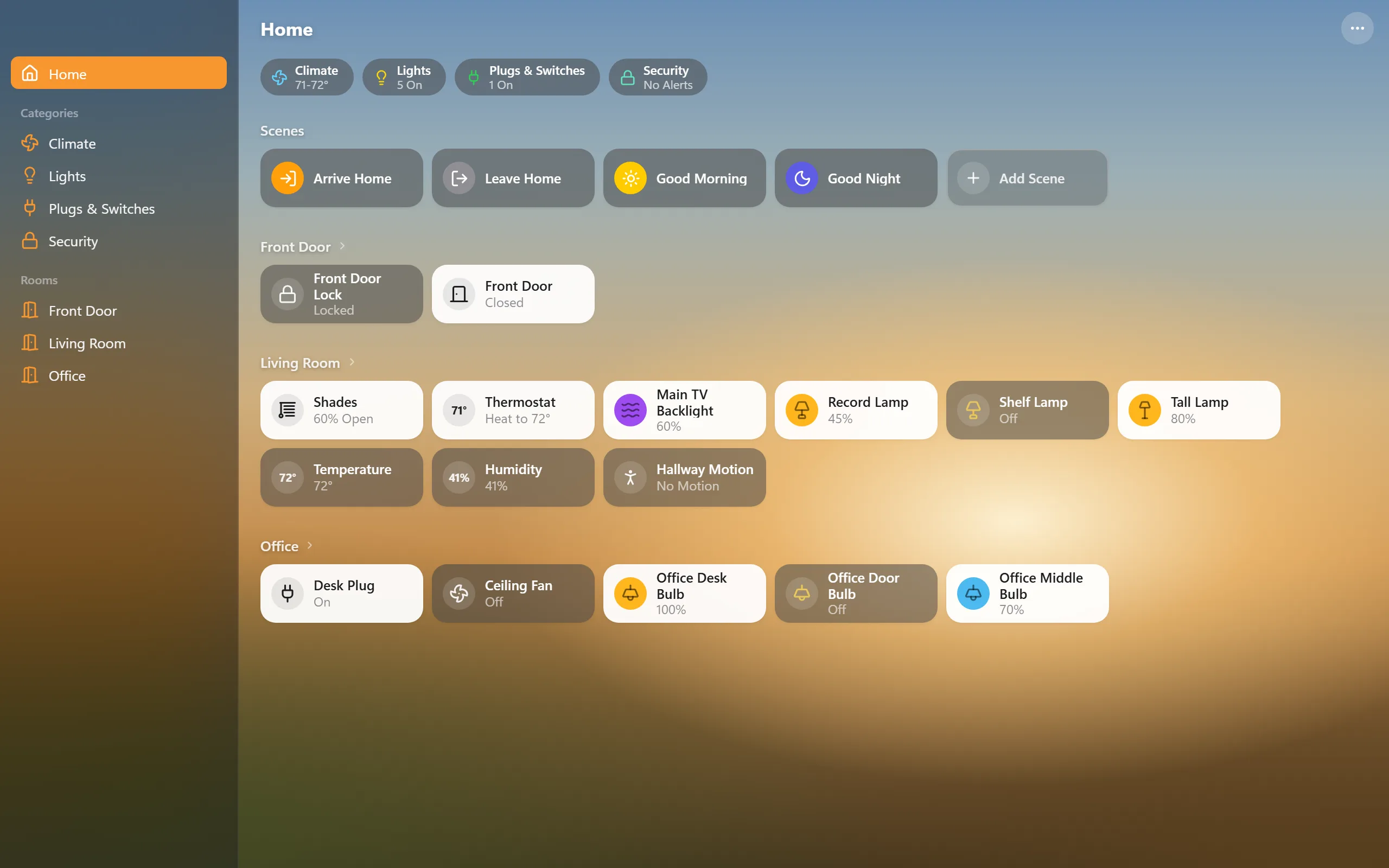
Set the mood without leaving your desk. RyHome controls your Matter devices directly over your network, alongside Apple Home, Google Home, or Alexa. No Mac or separate controller hub required.
RyHome
How it works
Your PC
RyHome with its built-in Matter engine
Wi-Fi or Ethernet
Matter devices
Lights, plugs, locks, blinds, fans, thermostats, sensors
Also paired with
Your other home apps
Apple Home, Google Home, Alexa keep working
RyHome
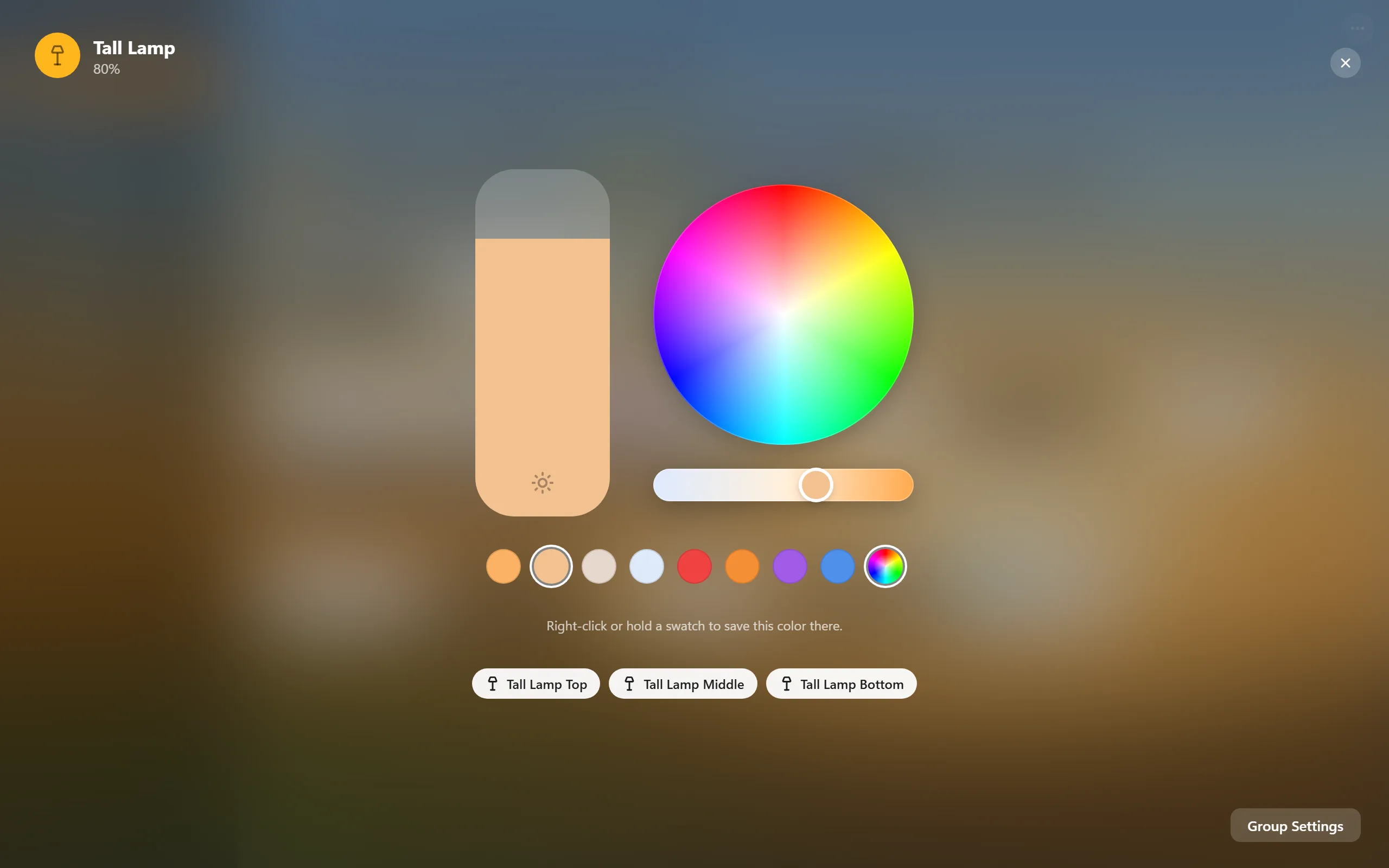
- Lights, properly Brightness, a color wheel, white temperature, and swatches you can overwrite with your own colors.
- Groups and scenes Turn several bulbs into one tile, and save scenes from how your lights look right now.
- More than lights Plugs, switches, locks, blinds, fans, thermostats, and temperature, humidity, motion, contact, and leak sensors.
- Lives in the tray All Lights Off and your scenes are a right-click away, and it can start with Windows.
- Backups Export your pairings, rooms, groups, and scenes to one file and restore them on a new PC.
Before you install
- Your PC needs to be on the same network as your devices.
- Cameras, doorbells, Apple TV, and HomePod aren't supported.
- Light controls are hardware-tested. Other device types have implemented controls or readings but haven't been tested on real hardware yet.
- Add a device with the pairing code from the app it's already set up in. In Apple Home that's the accessory's settings, then Turn On Pairing Mode. RyHome can't do Bluetooth setup, so brand new devices need setting up there first.
- Windows Firewall asks about Node.js the first time. That's RyHome's engine, so allow it on private networks.
- It isn't code signed yet, so SmartScreen may warn on first run. Click More info, then Run anyway.